Enable Web Analytics
info
Vercel Web Analytics provides real-time traffic insights and performance monitoring for applications deployed on the Vercel platform.
It focuses on privacy-friendly data collection, avoiding the use of third-party cookies for visitor identification.
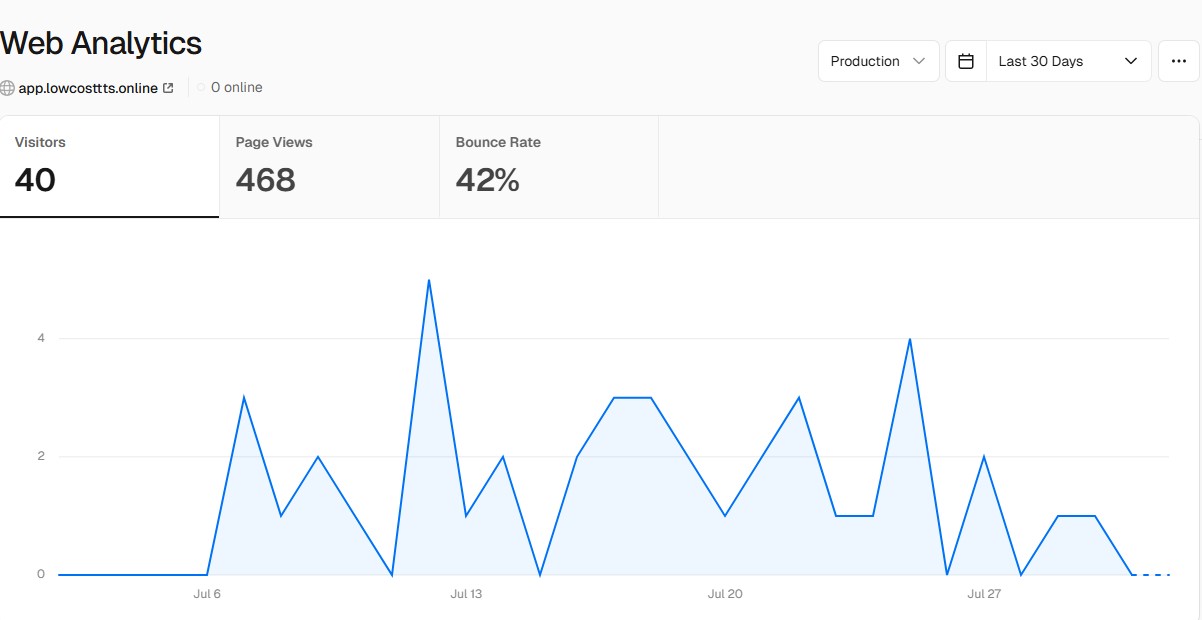
How to Enable?
We already have implemented code inisde app. You just have to follow below steps:
-
Login to Vercel Dashboard.
-
Open your project.
-
Inside top tabs, choose
Analyticstab. -
Now click on
Enablebutton. -
Final step is to redeploy your app.
redeploying app ?
- Go to Deployments tab inside your project.
- Under Deployments list, choose first very top current build and click on menu button.
- A popup will appear and select first option of Redeploy. It will redeploy your latest build.