Enable Speed Insights
info
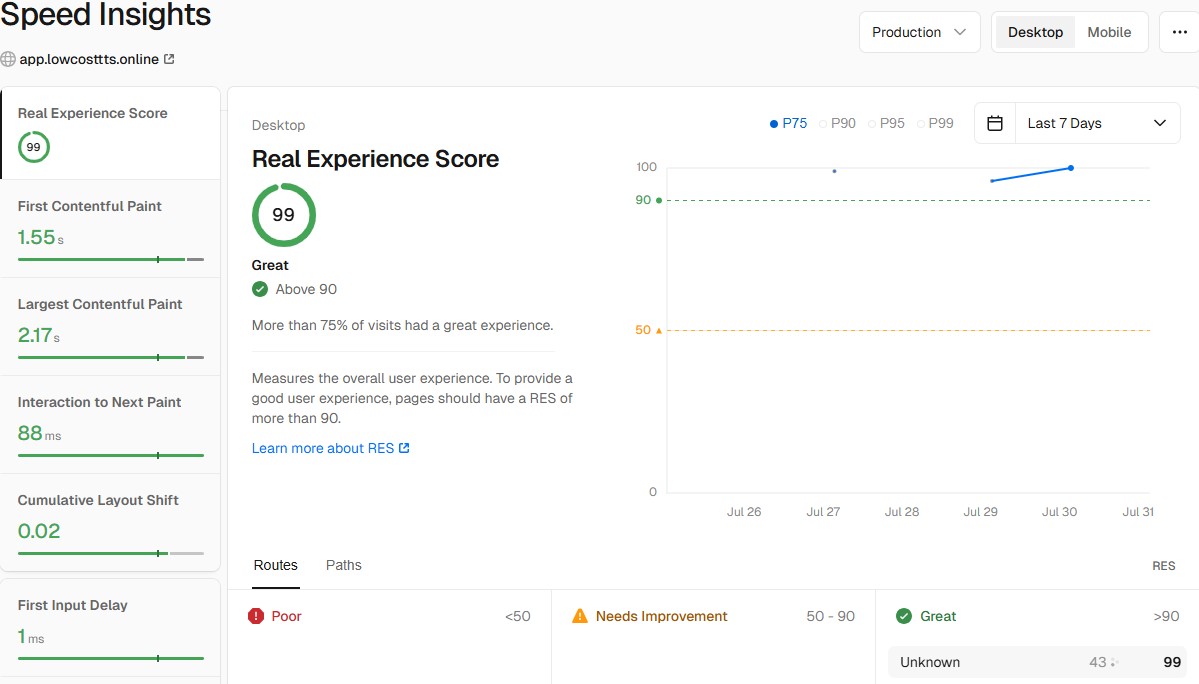
Vercel Speed Insights provides you with a detailed view of your website's performance metrics, based on Core Web Vitals, enabling you to make data-driven decisions for optimizing your site.
The Speed Insights dashboard offers in-depth information about scores and individual metrics without the need for code modifications or leaving the Vercel dashboard.
How to Enable?
We already have implemented code inisde app. You just have to follow below steps:
-
Login to Vercel Dashboard.
-
Open your project.
-
Inside top tabs, choose
Speed Insightstab. -
Now click on
Enablebutton. -
Final step is to redeploy your app.
redeploying app ?
- Go to Deployments tab inside your project.
- Under Deployments list, choose first very top current build and click on menu button.
- A popup will appear and select first option of Redeploy. It will redeploy your latest build.