Initialize Git Inside Application Folder
Requirements
Gitinstalled on your Operating System
If not installed, got to the https://git-scm.com/downloads URL and downlod and install according to your OS.
Follow below steps:
-
Go to the folder where full source code of your app is present.
-
Then open a CMD terminal (if windows) inside that folder.
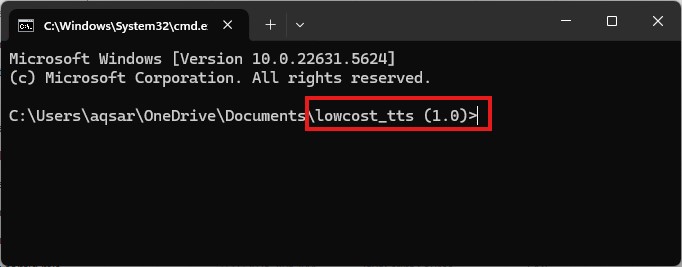
Important
Make sure that you are inside your project folder as described in above image.
-
Now run following command by copying and pasting into CMD terminal from below:
-
git init -
To verify git initializing, run the
git statuscommand . -
If you get reponse like below image and got no error, it verifies that Git has been initialized successfully .
