Creating Database in Appwrite Console
Database creation inside Appwrite Console is pretty simple.
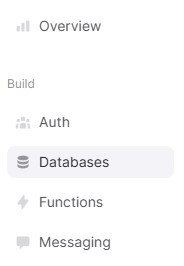
1 - Inside left sidebar of console, under Build, click on Databases option. A new page will appears.
Screenshot:
2 - Then click on red colored Create Database button. A popup page will apppear.
Screenshot:
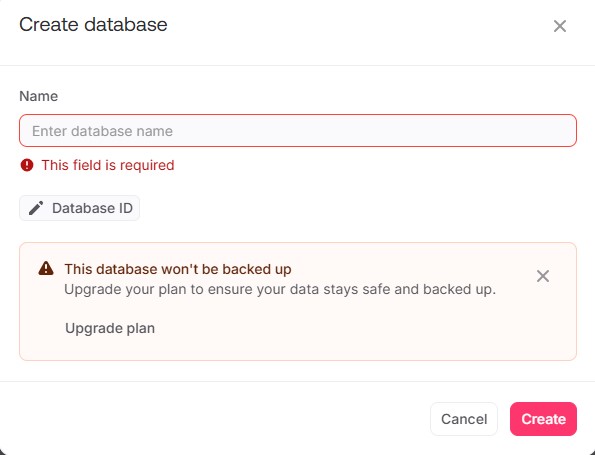
3 - Now enter database name of your own choice. (Optionally, add a custom database ID or go without adding custom one) and click on create button. It will create a database having unique database ID.
For Example
"TTS Database"