Creating a Collections inside Appwrite Console under Database
Each Appwrite Database has Collections in which app data will be stored, fetched and deleted if necessary. Also each collection created has its own unique ID which is bound to the Database in which the collection is created.
In short, we can say that Appwrite Database is the Main container which contains subcontainers in the form of collections.
By just creating Database does not means that now we can save data inside it. To add/save data, a collection must have to be created inside that database.
Numbers of Collections for [] app?
Since inside our app, we are using multiple collections to save data according to the data context. So below list will guide you how many numbes of collections should be created:
1 - user_profiles = it will handles data related to user's account
2 - user_models = it will contains user's self cloned voice models data
3 - browse_models = it is the global voice models collection
4 - history = it will contains user's saved audio files data
5 - subscriptions = it will contains user's subscriptions related data
Creating collection
You can create a collection by :
1 - Heading to the Databases page, navigate to a database which you created previously, and click Create collection.
2 - A popup page will appear. Then enter your collection name of your own choice or you can use from above list if you prefer and then click on create button. It will create the collection with unique ID
Screenshot:
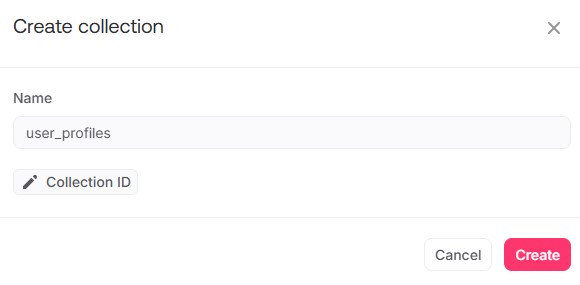
We have successfully created first collection.
Now do same steps to create remaining collections too one by one.